
DATASHEET SEARCH SITE
Document overview
- Manufacturer or author: Provided By www.digicamel.com(FREE DATASHEET DOWNLOAD SITE)
- PDF pages: 12
Technical content
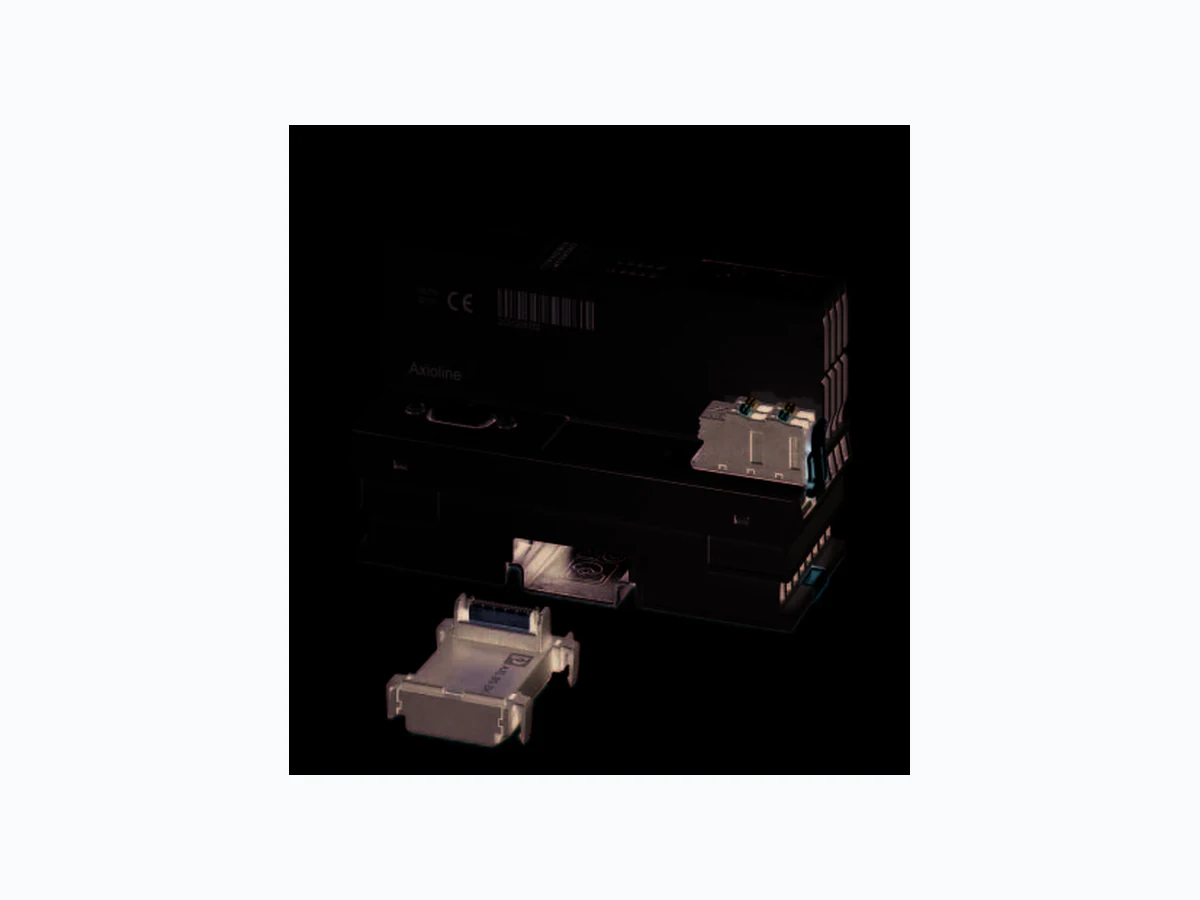
Axioline F bus coupler for PROFIBUS DP AXL F BK PB © PHOENIX CONTACT Data sheet The bus coupler represents the link between a PROFIBUS network and the Axioline F system. You can connect up to 63 Axioline F devices to an existing PROFIBUS system with the help of the bus coupler. PROFIBUS features –P R O F I B U S c o n n e c t i o n v i a 9-pos. D-SUB female con- nector – Interface physics RS-485 for PROFIBUS – Electrical isolation between PROFIBUS interface and logic –D P / V 1 f o r C l a s s 1 and Class 2 masters – Data transmission speed of 9.6 kbps up to 12 Mbps (automatic detection) – Rotary encoding switches for setting the PROFIBUS address – Dynamic configuration is supported – Supported PROFIBUS addresses 0 to 126 – Device description using GSD file –I & M f u n c t i o n s Features of Axioline F – Up to 63 additional Axioline F devices can be connect- ed – Typical cycle time of the Axioline F local bus is around 10 μs – Diagnostic and status indicators This data sheet is only valid in association with the UM EN AXL F SYS INST user manual. Make sure you always use the latest documentation. It can be downloaded from the product at phoenixcontact.net/products. Here you will also find the current GSD file. 8419_en_02 2015-10-12
8419_en_02 PHOENIX CONTACT 2 2T a b l e o f c o n t e n t s
8419_en_02 PHOENIX CONTACT 3 Description Type Order No. Pcs./Pkt. Axioline F bus coupler for PROFIBUS DP (including bus base module and connector) AXL F BK PB 2688530 1 3O r d e r i n g d a t a Accessories Type Order No. Pcs./Pkt. Axioline F bus base module for housing type BK (Replacement item) AXL BS BK 2701422 5 item) AXL CN S/UL 2701421 5 Zack marker strip for Axioline F (device labeling), in 2 x 20.3 mm pitch, un- printed, 25-section, for individual labeling with B-STIFT 0.8, X-PEN, or CMS-P1-PLOTTER (Marking) ZB 20,3 AXL UNPRINTED 0829579 25 Zack marker strip, flat, in 10 mm pitch, unprinted, 10-section, for individual labeling with M-PEN 0,8, X-PEN, or CMS-P1-PLOTTER (Marking) ZBF 10/5,8 AXL UNPRINTED 0829580 50 Insert label, Roll, white, unlabeled, can be labeled with: THERMOMARK ROLL, THERMOMARK ROLL X1, THERMOMARK X, THERMOMARK S1.1, Mounting type: snapped into marker carrier, Lettering field: 35 x 18.7 mm (Marking) EMT (35X18,7)R 0801831 1 D-SUB plug, 9-pos., pin, assignment: 3, 5, 6, 8; two M12 cable glands (B- coded) under 35°. Bus system: PROFIBUS DP up to 12 Mbps. Termination resistor via separate M12 terminator. (Connector/Adapter) SUBCON-PLUS-PROFIB/35/M12 2902320 1 D-SUB connector, 9-pos., male connector, cable entry < 35°, bus system: PROFIBUS DP up to 12 Mbps, termination resistor can be switched on via slide switch, pin assignment: 3, 5, 6, 8; screw connection terminal blocks (Connector/Adapter) SUBCON-PLUS-PROFIB/SC2 2708232 1 D-SUB connector, 9-pos., male connector, cable entry < 90°, bus system: PROFIBUS DP up to 12 Mbps, termination resistor can be switched on via slide switch, pin assignment: 3, 5, 6, 8; IDC terminal block connection (Connector/Adapter) SUBCON-PLUS-PROFIB/90/IDC 2313672 1 D-SUB connector, 9-pos., male connector, cable entry < 90°, bus system: PROFIBUS DP up to 12 Mbps, termination resistor can be switched on via slide switch, pin assignment: 3, 5, 6, 8; screw connection terminal blocks (Connector/Adapter) SUBCON-PLUS-PROFIB/90/SC 2313698 1 D-SUB connector, 9-pos., male connector, axial version with two cable en- tries, bus system: PROFIBUS DP up to 12 Mbps, termination resistor can be switched on via slide switch, pin assignment: 3, 5, 6, 8; screw connec- tion terminal blocks (Connector/Adapter) SUBCON-PLUS-PROFIB/AX/SC 2744380 1 Connecting cable, for connecting the controller to a PC for PC Worx and LOGIC+, USB A to micro USB B, 2 m in length. (Cable/conductor) CAB-USB A/MICRO USB B/2,0M 2701626 1 Documentation Type Order No. Pcs./Pkt. User manual, English, Diagnostic and firmware functions of the AXL F BK PB bus coupler UM EN AXL F BK PB - - User manual, English, Axioline F: System and installation UM EN AXL F SYS INST - - User manual, English, Axioline F: Diagnostic registers, and error messages UM EN AXL F SYS DIAG - -
8419_en_02 PHOENIX CONTACT 4 Dimensions (nominal sizes in mm) Width 45 mm Height 125.9 mm Depth 74 mm Note on dimensions The depth is valid when a TH 35-7.5 DIN rail is used (according to EN 60715).
4 Technical data
125,9122,4 General data Color traffic grey A RAL 7042 Weight 175 g (with connector and bus base module) Ambient temperature (operation) -25 °C ... 60 °C (Mount ing position: wall mounting on horizontal DIN rail) -25 °C ... 55 °C (Mounting position: any) Ambient temperature (storage/transport) -40 °C ... 85 °C Permissible humidity (operation) 5 % ... 95 % (non-condensing) Permissible humidity (storage/transport) 5 % ... 95 % (non-condensing) Air pressure (operation) 70 kPa ... 106 kPa (up to 3000 m above sea level) Air pressure (storage/transport) 70 kPa ... 106 kPa (up to 3000 m above sea level) Degree of protection IP20 Protection class III, IEC 61140, EN 61140, VDE 0140-1 Mounting position Any (observe temperature derating) Connection data Designation Axioline F connector Connection method Push-in connection Conductor cross section [AWG] 24 ... 16 Stripping length 8 mm Please observe the information provided on conductor cross sections in the “Axioline F: system and installation” user manual. Interface PROFIBUS DP Number 1 Connection method 9-pos. D-SUB (socket) Number of positions 9 Transmission speed 9,6 kBit/s ... 12 MBit/s
8419_en_02 PHOENIX CONTACT 5 Interface Axioline F local bus Connection method Bus base module Transmission speed 100 MBit/s Interface Service Number 1 Connection method Micro USB type B System limits of the bus coupler Amount of process data max. 488 Byte (per station) max. 244 Byte (Input) max. 244 Byte (Output) Number of parameter data max. 244 Byte Number of configuration data max. 244 Byte IN and OUT process data for I/O modules that can be aligned 488 Byte IN process data for I/O modules that can be aligned 244 Byte OUT process data for I/O modules that can be aligned 244 Byte Number of supported devices max. 63 (per station) NOTE: Electronics may be damaged when overloaded Observe the logic current consumption of each device when configuring an Axioline F station. It is specified in every module-specific data sheet. The current consumption can differ depending on the individu al module. The permissible number of devices that can be connected therefore depends on the specific station structure. Supply of the bus coupler Supply of communications power UL 24 V DC Maximum permissible voltage range 19.2 V DC ... 30 V DC (including all tolerances, including ripple) Current supply at UBus 2 A Current consumption from UL typ. 101 mA (without I/Os and UL = 24 V) max. 567 mA (with 2 A at UBus for the I/Os and UL = 24 V) Power consumption at UL typ. 2.5 W (without I/Os) max. 13.7 W (with 2 A load at UBus for the I/Os) NOTE: Electronics may be damaged when overloaded Provide external fuses for the 24 V UL area. The power supply unit must be able to supply four times the nominal current of the external fuse to ensure that it blows in the event of an error. Error messages to the higher level control or computer system Diagnostic alarms Mechanical tests Vibration resistance in acc. with EN 60068-2-6/IEC 60068-2-6 5g Shock in acc. with EN 60068-2-27/IEC 60068-2-27 30g, 11 ms period, half-sine shock pulse Continuous shock according to EN 60068-2-27/IEC 60068-2-27 10g Conformance with EMC Directive 2004/108/EC Noise immunity test in accordance with EN 61000-6-2 Electrostatic discharge (ESD) EN 61000-4-2/IEC 61000-4-2 Criterion B; 6 kV contact discharge, 8 kV air discharge Electromagnetic fields EN 61000-4-3/IEC 61000-4-3 Criterion A; Field intensity: 10 V/m Fast transients (burst) EN 61000-4-4/IEC 61000-4-4 Criterion B, 2 kV Transient surge voltage (surge) EN 61000-4-5/IEC 61000-4-5 Criterion B; DC supply lines: ±0.5 kV/±0.5 kV (symmetrical/asymmetrical); field- bus cable shield: ±1 kV Conducted interference EN 61000-4-6/IEC 61000-4-6 Criterion A; Test voltage 10 V Noise emission test according to EN 61000-6-3 Radio interference properties EN 55022 Class B
8419_en_02 PHOENIX CONTACT 6
5 Internal circuit diagram
Figure 1 Internal wiring of the terminal points Key: Approvals For the latest approvals, please visit phoenixcontact.net/products. 24 V 3.3 V UBus UL U 24 V L Service Reset FE /c109C D-SUB D E RDY FN BF FS UBus Local bus 3.3V FE PROFIBUS FE Functional earth ground Service Service interface Reset Reset button Local bus Axioline F local bus (hereinafter referred to as local bus) D-SUB D-SUB connection Power supply unit with electrical isolation Microcontroller Power supply unit LED Electrically isolated areas µC XXX XXX
8419_en_02 PHOENIX CONTACT 7
6 Connection of PROFIBUS and power supply
6.1 Connecting PROFIBUS
Connect PROFIBUS to the bus coupler using a 9-pos. D- SUB connector (see Ordering data). For the pin assignment, please refer to the figure and the table. Figure 2 D-SUB connector pin assignment
6.2 Mains termination resistors
Since PROFIBUS DP is a serial bus system in a line or tree structure, the individual branches must be terminated using a termination resistor. The bus coupler does not have a re- sistor of this type. For further information, please refer to your PROFIBUS documentation. Phoenix Contact recom- mends the use of the SUBCON-PLUS-PROFIB connector, Order No. 2744348. This connector has a termination resis- tor that can be connected.
6.3 Connecting the supply voltage - terminal point
Figure 3 Terminal point assignment
7 Connection example
Figure 4 Connection of the cables Pin Assignment
1 Reserved
2 Reserved
3 RxD/TxD-P (receive/transmit data +), cable B
4 CNTR-P (control signal for repeater), direction con-
5 DGND (reference potential to 5 V)
6V P ( + 5 V supply voltage for termination resistors)
7 Reserved
8 RxD/TxD-N (receive/transmit data –), cable A
9 Reserved
a1, a2 Red 24 V DC (UL) Supply of the logic voltage (internally jumpered) b1, b2 Blue GND Reference potential of the supply voltage (internally jumpered) UL 0 24 681012 0 24 689 BF FS FN RDY D E
24 V DC
(U )L PROFIBUS DP
8419_en_02 PHOENIX CONTACT 8
8 Configuration via rotary encoding
The address is set using two rotary encoding switches. Switch S1 is used to set the position in tens (x10) and S2 is used to set the position in units (x1). Addresses can be set between 0 and 126. The figure shows the address setting 74. Figure 5 (ADDRESS) rotary encoding switches
9 Parameter data
During configuration, please note that con- nected digital input/output modules also use parameter data from PROFIBUS. Please refer to the GSD file for the parameter data length. 810 x10
8419_en_02 PHOENIX CONTACT 9
10 Local status and diagnostic indicators
Figure 6 Local status and diagnostic indicators UL BF FS FN RDY D E Designation Color Meaning State Description UL Green ULogic ON Communications power supply present. OFF Communications power supply not present. BF Red Bus Fault ON No communication on PROFIBUS OFF No error FS Red Failure Select ON If FS is on, FN indicates the error type OFF If FS is not on, FN indicates the error number FN Red Failure Number Flashing The number of flashing puls es indicates the error type or the error number, depending on whether FS is on or not OFF No error RDY Green/ yellow/ red Ready Green ON Device is ready for operation. Flashing green/ yellow Communications power undervoltage or surge voltage Overtemperature Yellow ON Firmware/bus coupler is booting Yellow flashing Firmware update is being performed. Flashing yellow/ red Firmware update has failed. Red ON Rotary encoding switches are set to an invalid/reserved position. Red flashing Firmware update error; wrong or faulty firmware loaded; restart the device. OFF Device is not re ady for operation.
8419_en_02 PHOENIX CONTACT 10 D Green/ yellow/ red Diagnostics Green ON The station is ready for operation, communication within the station is OK. All data is valid. There are no faults. Green flashing The station is ready for operation, communication within the station is OK. The data is not valid. Valid data from the controller/higher-level net- work not available. There is no fault in the module. Yellow ON The station is ready for operation, no data exchange taking place. Yellow flashing Access from Startup+ in I/O check mode Flashing yellow/ red Local bus error during active I/O check Red flashing Local bus error on startup Red ON General local bus error Communication error Local bus device has been removed or configured device is missing. Reset at a local bus device Serious device error at a local bus device (local bus device can no longer be reached) E Yellow/ red Error Yellow ON I/O warning at a local bus device Red ON I/O error at a local bus device OFF No I/O messages present. Designation Color Meaning State Description
8419_en_02 PHOENIX CONTACT 11
11 Reset button
The reset button is located beneath the top marking label on the bus coupler. Figure 7 Reset button
1 Labeling field
2 Reset button
The reset button has the following function: – Restarting the bus coupler The bus coupler is restarted when the button is pressed dur- ing operation. The outputs of the station are set to the parameterized sub- stitute values. The process image of the inputs is not re-read.
12 Service interface
The service interface is located beneath the top marking field on the bus coupler. The service interface is used for later applications. Figure 8 Service interface
2 Service interface
13 Substitute value behavior
If PROFIBUS communication fails or an error occurs in the local bus, all outputs of the station are set to the substitute values previously parameterized on the module.
14 Firmware functions
For the possible substitute values of a mod- ule, please refer to the relevant module-spe- cific data sheet. Function AXL F BK PB AXL BK PB IL PB BK DI8 DO4/EF-PAC FW 2.0 or later FW 1.0 or later Process and parameter data Total amount of process data - IN and OUT 488 bytes, maximum 488 bytes, maximum 488 bytes, maximum - IN 244 bytes, maximum 244 bytes, maximum 244 bytes, maximum - OUT 244 bytes, maximum 244 bytes, maximum 244 bytes, maximum Amount of process data for alignable I/O terminals - IN and OUT 488 bytes, maximum 488 bytes, maximum 486 bytes, maximum - IN 244 bytes, maximum 244 bytes, maximum 243 bytes, maximum
8419_en_02 12PHOENIX CONTACT GmbH & Co. KG • 32823 Blomberg • Germany phoenixcontact.com - OUT 244 bytes, maximum 244 bytes, maximum 243 bytes, maximum Amount of parameter data - Total 244 bytes, maximum 244 bytes, maximum 244 bytes, maximum - For alignable I/O terminals 233 bytes, maximum 233 bytes, maximum 230 bytes, maximum Amount of configuration data - Total 244 bytes, maximum 244 bytes, maximum 244 bytes, maximum - For alignable I/O terminals 244 bytes, maximum 244 bytes, maximum 239 bytes, maximum Other Number of PCP devices -- max. 16 Supports DP/V1 read and write (acyclic communication), Class 1 and Class 2 master Yes Yes Yes Communication with PCP modules via "normal" process data (DP/V0) -- Yes Transmission invoke ID -- Yes Parameterization of several I/Os via dialog boxes in the configuration tool Yes Yes Yes Dynamic configuration (reserving I/Os in the PLC) Yes No Yes Specification of fail-safe values via the configuration tool Yes Yes (hold last value or zero) Yes Byte rotation for the IB IL 24 DI 16-PAC and IB IL 24 DO 16-PAC -- Yes Byte rotation for the IB IL 24 DI 32-PAC and IB IL 24 DO 32-PAC -- Yes Operation in the event of module failure in the local bus Yes Yes Yes Acknowledgment of local bus stops via the application program Yes No Yes Acknowledging bus stops either automatically or via the application pro- gram automatic automatic Yes Diagnostics in bus coupler format Yes Yes Yes Channel-specific diagnostics Yes Yes Yes Diagnostics in identification format Yes Yes Yes Diagnostics as status PDU Yes Yes Yes Stop behavior can be set via parameter telegram Yes No Yes I & M functions Yes Yes Yes PROFIsafe support No No Yes IO-Link call No No Yes (FW 2.0 or later) Selection of the diagnostic format in the configuration tool No No Yes Function AXL F BK PB AXL BK PB IL PB BK DI8 DO4/EF-PACFW 2.0 or later FW 1.0 or later For more detailed information on the bus cou- pler functions described, please refer to the corresponding documentation.